The customer area is the home of your QR codes. Everything you do in Webflow, Figma, Canva, Adobe Express, Google Slides or the desktop app shows up here, and the other way around.
Open it at qr-manager.fr/en/account and sign in with your email (a sign-in link is sent to you) or with Webflow.
The sections
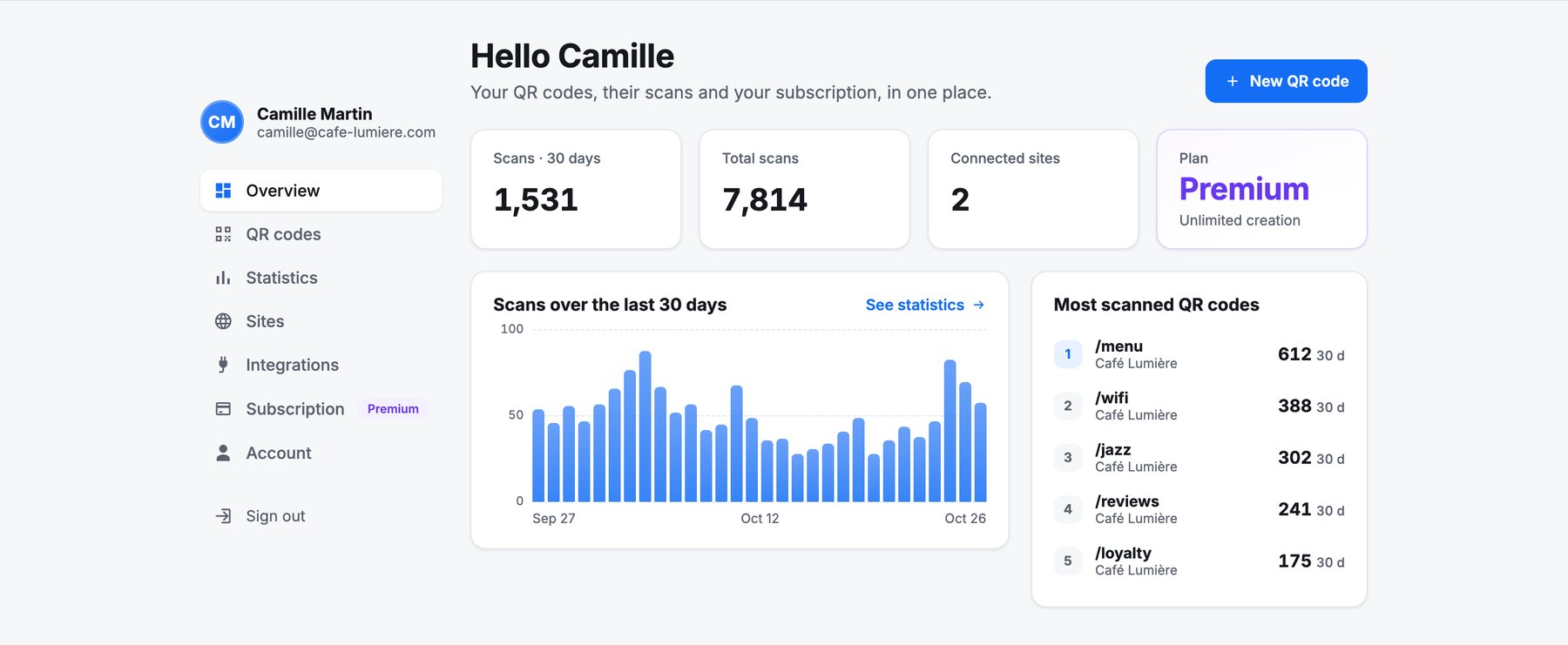
| Section | What you do there |
|---|---|
| Overview | Scans over 30 days, your most scanned codes, your plan. |
| QR codes | Create, edit, turn on or off, download and archive codes. See Create and manage QR codes. |
| Statistics | Scans by day, hour, place, device and campaign. See Scan statistics. |
| Sites | Your spaces: the hosted one and your Webflow sites, scan counting, team members. |
| Integrations | The tools connected to your account, and disconnecting them. |
| Subscription | Your plan, invoices and access codes. See Plans and billing. |
| Account | Your name, sessions, data export and account deletion. |
Spaces: where your codes live
At the top of the QR codes and Statistics sections, a selector picks the space you work in:
- My QR codes (QR Manager): your hosted space, ready from day one. Addresses look like
qr-manager.fr/qr/k7x2pq/menu, and changes are live immediately. - Your Webflow sites: each connected site, with codes stored in its CMS and addresses on its domain.
- Shared sites: sites another account invited you to as a team member.
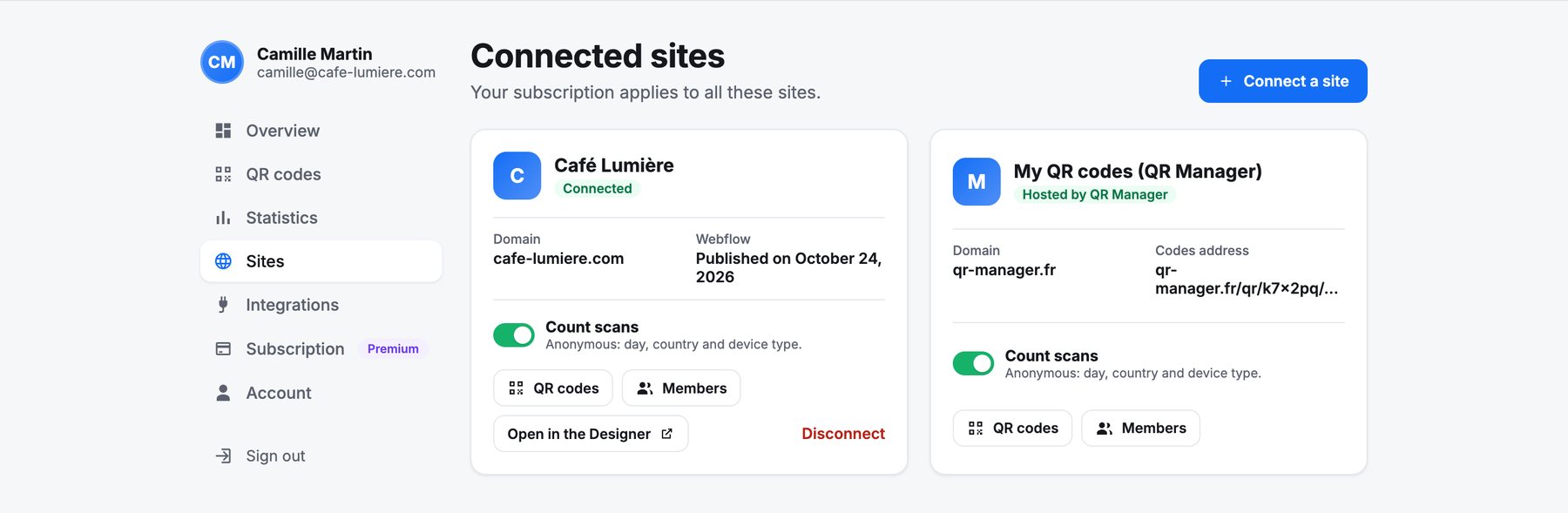
A Webflow site is added to your account when you install QR Manager on it from Webflow. Its first setup (collection and redirect page) is done once in the Designer: see Webflow.